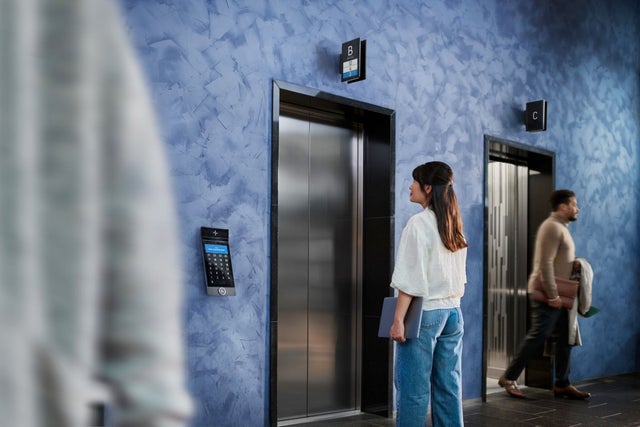

Elevator call app

Effortlessly call an elevator directly to your destination floor – for yourself or your guests – with the KONE Elevator Call app.


This smart elevator app complements traditional elevator calling, making everyday access more convenient while supporting visitor management and a seamless arrival experience.

Man using a mobile phone
Contact us

Send us a message and we'll get back to you shortly

What are you interested in?

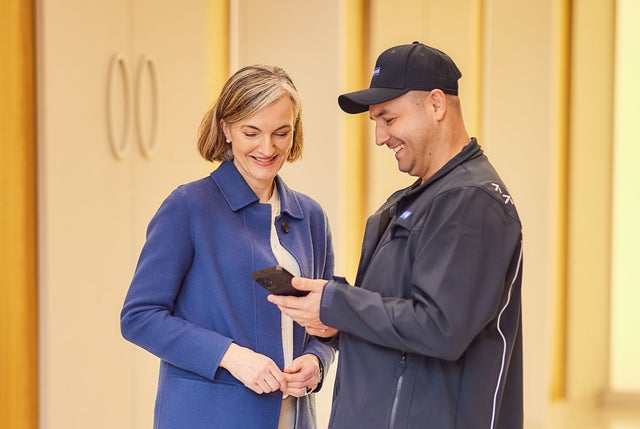
Two men in front of an elevator looking at a phone

Mobile elevator call for improved people flow

KONE Elevator Call enables building users and managers to call the elevator with their smartphone without touching the elevator buttons. For an added touch of modern convenience, you can also use a tablet to create a sleek and intuitive call giving device tailored to your space. The tablet mode also includes options to add floor descriptions and favorite destinations.


The cloud-based solution is​ compatible with all KONE DX™ class elevators, without the need for additional upgrades​ or extensions.​

Seamless, touch-free people flow

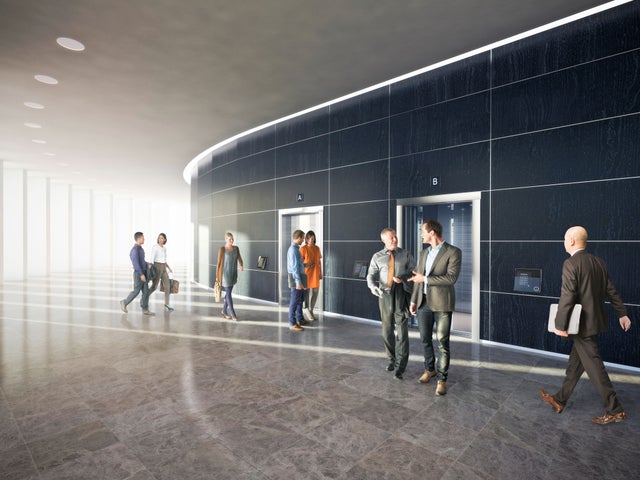
  • Lobby area with people

    Enhance visitor and crowd management

    Call the elevator to an access-controlled floor for your visitor, or complement standard call giving devices with a pedestal mode for tablets.

  • Woman sitting in an office looking at a phone

    Improve tenant experience and increase building value

    Enable your building users to call the elevator beforehand – no need to wait in the lobby. You can also send messages and updates to users through the elevator call app.

  • Lobby area with access gates

    Maintain high level of security

    Block misusage through user geolocation and limiting the number of calls. Manage access rights to restricted floors in the Elevator Call Manager app or import data with KONE Access 1000.

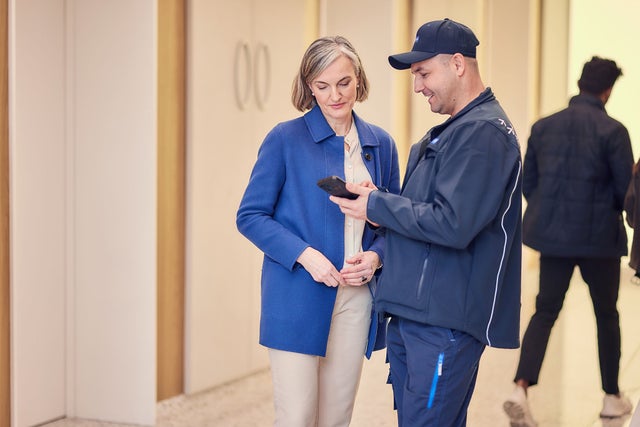
  • KONE technician and a customer

    Leverage easy user onboarding

    Tenants can start using the app through an easy, automated onboarding process​. 

Everything you need to run a smarter building


KONE Elevator Call is simple to set up, easy to manage, and built to grow with your building's needs.

  • The right people on the right floors

    The right people on the right floors

    Define exactly which floors each user or group can access, ensuring occupants can only reach the areas they're authorized for.

  • All your sites, one login

    All your sites, one login

    Oversee multiple buildings and facilities from a single web-based tool, with all user and site information in one place.

  • User management made easy

    User management made easy

    Add users individually or in bulk via invitation emails or QR codes, with clearly defined roles for admins, main users, and sub-users.

  • Make a great first impression

    Make a great first impression

    Connect with existing visitor systems to automatically call an elevator to the right floor the moment a visitor signs in.

Frequently asked questions

KONE Elevator Call is a cloud-based solution that allows users to call and direct elevators using their smartphone, without touching elevator buttons. It connects elevators through the KONE Elevator Call mobile app, providing a convenient, touch-free way to move through the building.

KONE Elevator Call is available through a smartphone application for iOS and Android devices. The solution also supports smartwatches, allowing users to call elevators directly from their wearable devices.

KONE Elevator Call allows building managers to define floor-level access permissions for individual users or groups, ensuring occupants can only access authorized areas. Permissions can be managed easily without the need for physical keys.

Yes. KONE Elevator Call Manager allows you to manage multiple buildings and facilities from a single web-based tool. It provides one place to manage users, adjust permissions, and maintain control across all your sites.

KONE Elevator Call is designed to be simple to set up and manage. Users can be added individually or in bulk through invitation emails or QR codes, with clearly defined roles for administrators, main users, and sub-users.